How To Use YouTube Video Downloader

Quick Start Guide

1

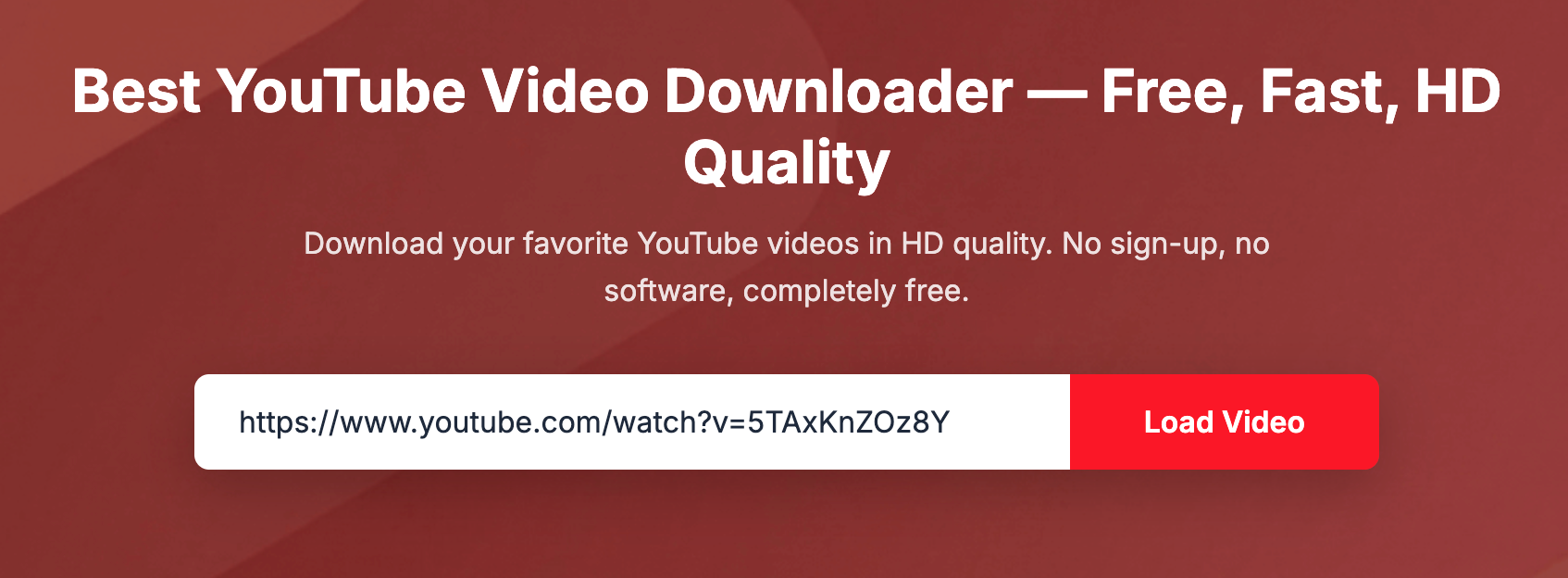
Paste YouTube URL

Copy any YouTube video link and paste it into the input field. Click "Load Video" to load the video.

2

Select Quality

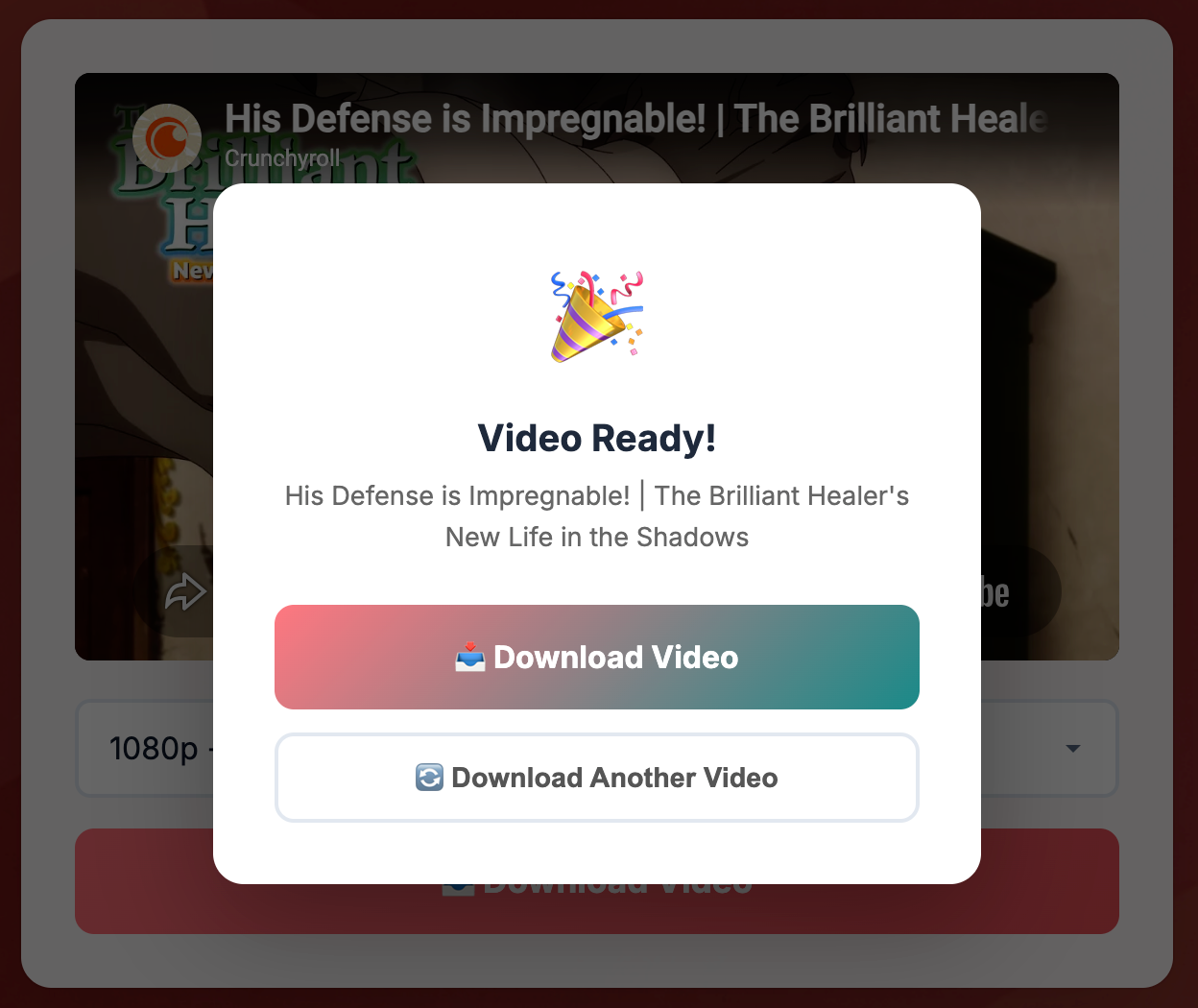
Choose your preferred video quality from the dropdown menu - 360p, 480p, 720p, or 1080p.

3

Download Video

Click "Download Video" button and wait for processing. Your download link will appear when ready!

Why Choose Our Downloader

Fast Processing

Our servers process video downloads quickly and efficiently, getting you your file ASAP.

High Quality MP4

Download videos in MP4 format with quality options up to 1080p Full HD.

No Registration

Free to use without creating an account. Just paste, select, and download.

Ready to download your videos?